
 Black & white camera



iPhone · iPad
|
The perfect app for the Black & White photography.
It doesn't matter if you've just started or you are a professional. The Blackie has something for everyone.
Its minimal design and easy use with many features will make it your go-to app when you're in the mood for the Black & White. It will help you explore all the possibilities of the Black & White photography and achieve the best result.
|

|
||||
|
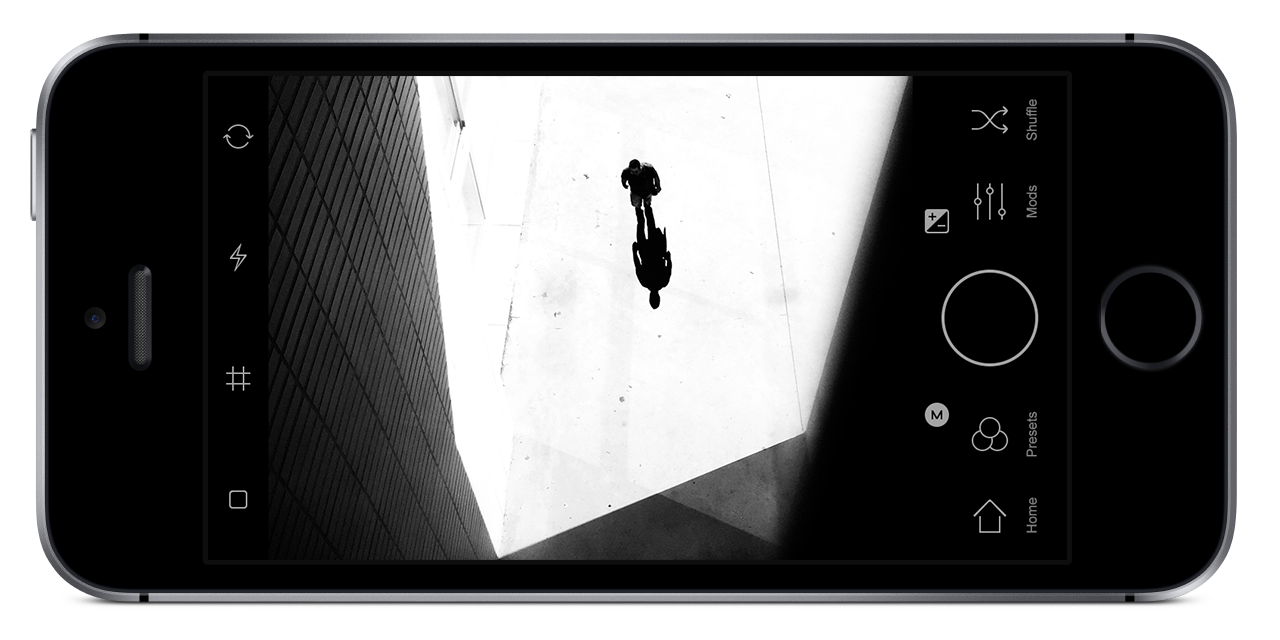
What you see is what you get!
With the Blackie you can see the world changing right before your eyes. Real time preview, real time experience.
|

|
|||||
|
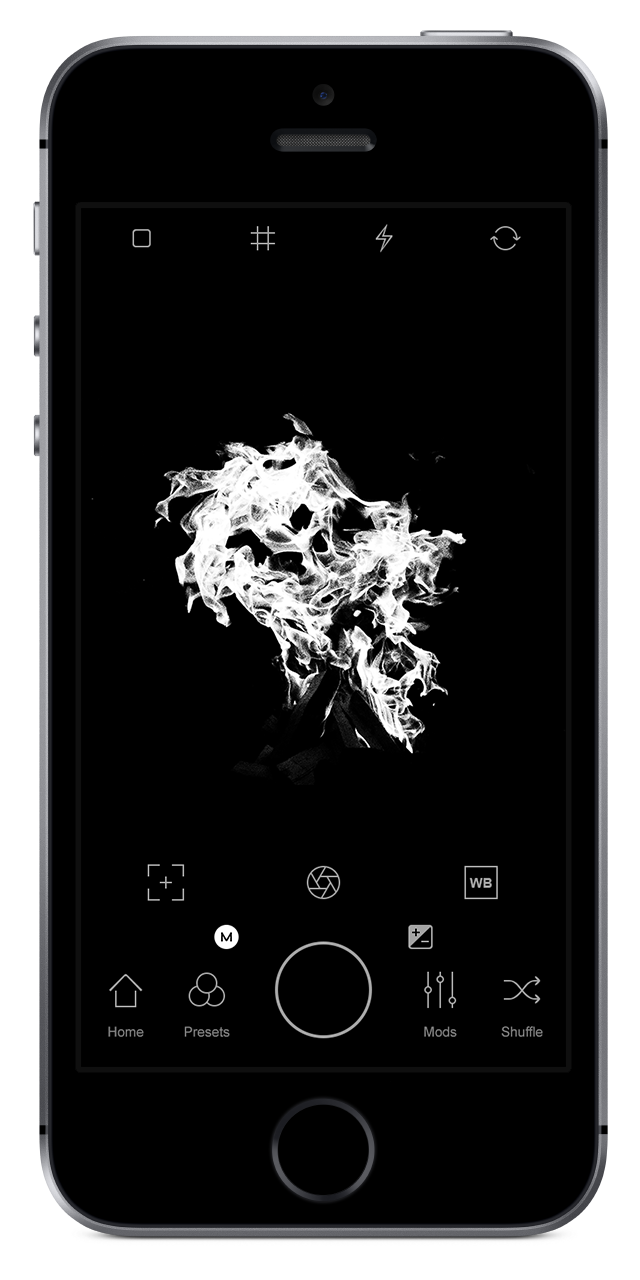
Keep it simple and fast.
Blackie's design is clean and minimal. The purpose behind it, aside from its fresh modern look, is to enable a smooth use of app's features.
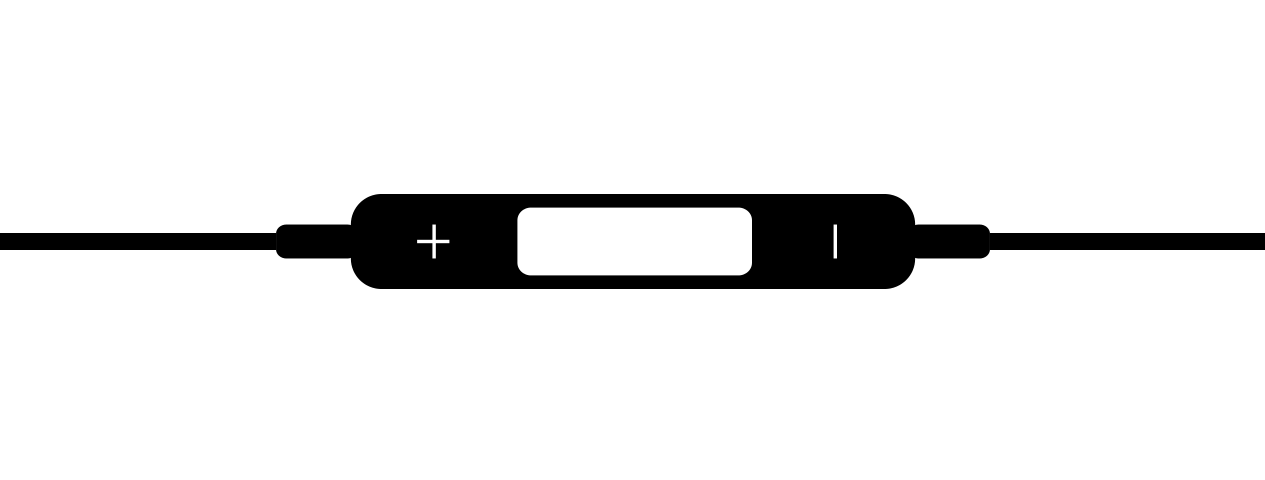
Volume Controls.
You can use your volume control to Shot and Shuffle.

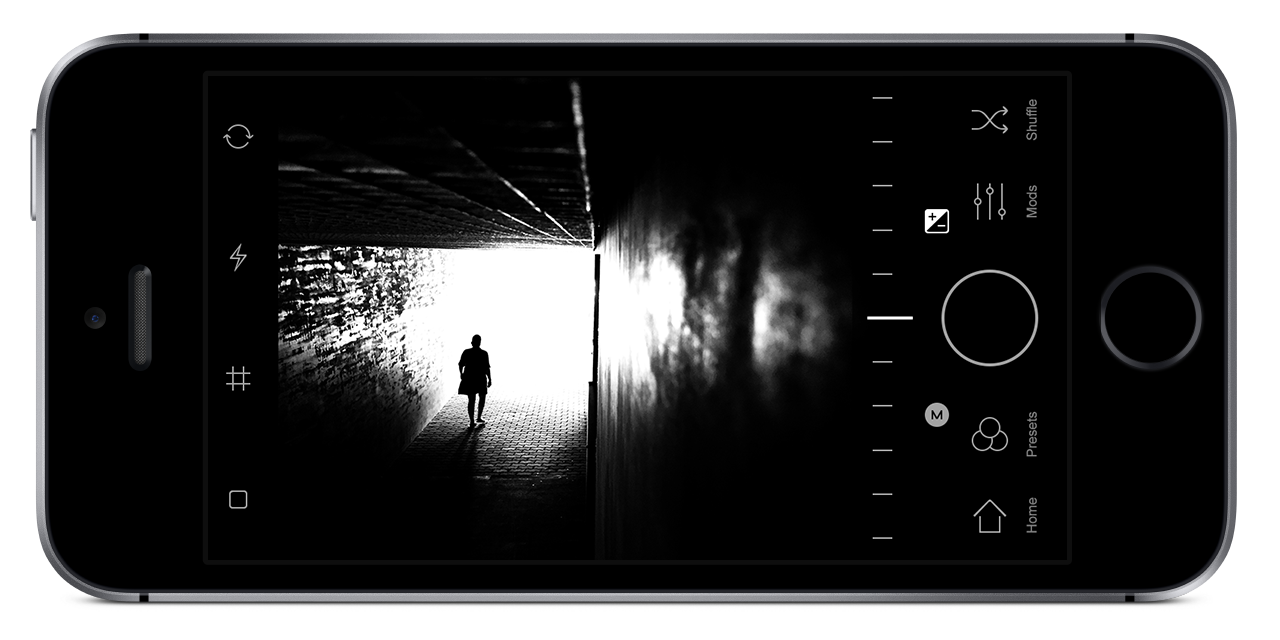
Reset Values.
Double tap on a slider resets to default value.
|

|
||||
|
Manual Controls.
 
Take the control of your photos. Make them ideal with manual controls. Just as you want.
|
|

You can adjust the exposure and ISO, EV, shutter speed, white balance and focus. You decide the best way to capture your photo.
|

|
AF/AE Lock.
Lock Automatic Focus and the Exposure function after long press on the screen and optionally tune the image with manual camera controls.
|

|
|||||
|
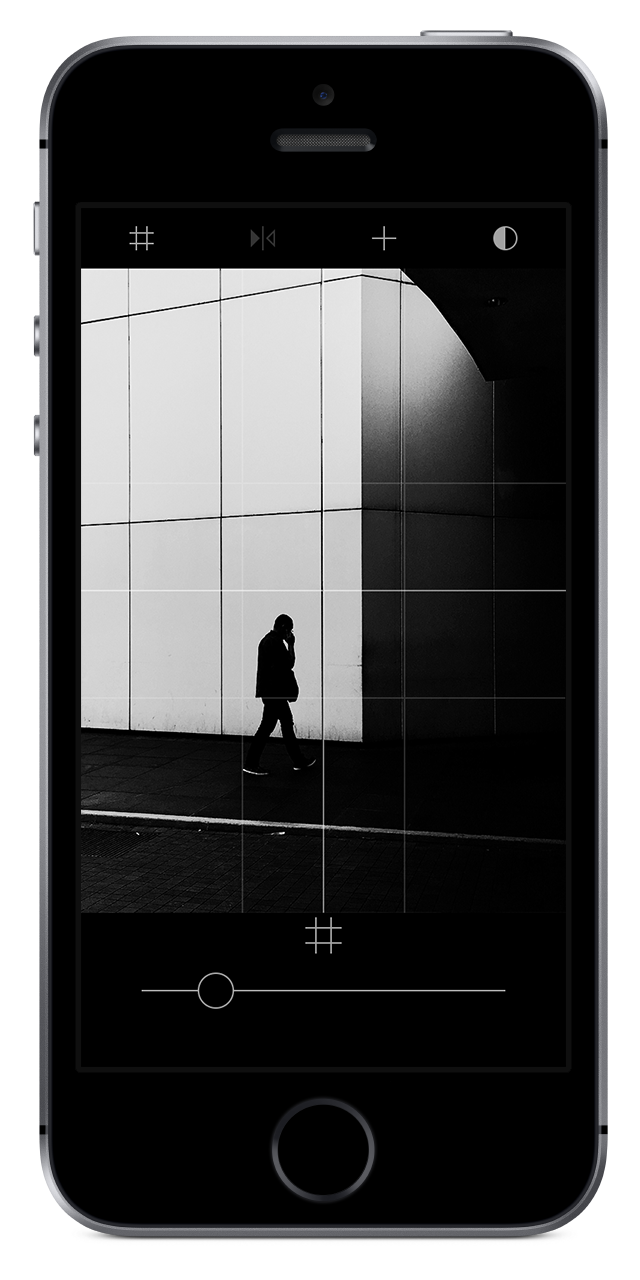
Pro Camera Grids.
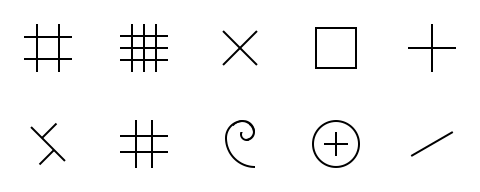
It doesn't matter whether you are a professional or an amateur mobile photographer. With these pro camera grids, you will always get excellent composition.
|
|

|
|||||
|
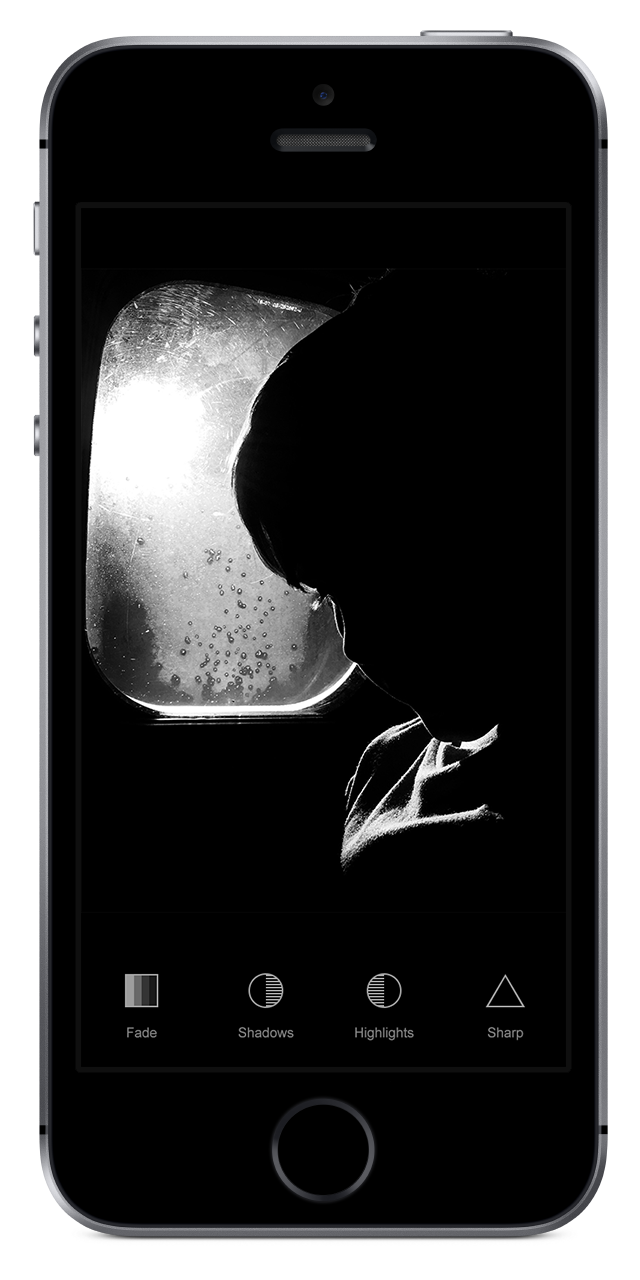
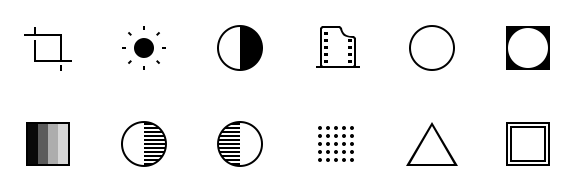
Customize yourself.
Every aspect of a photo is in your hands. With the Blackie you can enhance any feature. Make the light or the contrast just perfect. Choose between a black or white
vignette. With the grain or without? It's all up to you.
|

|
||||
|
Presets.
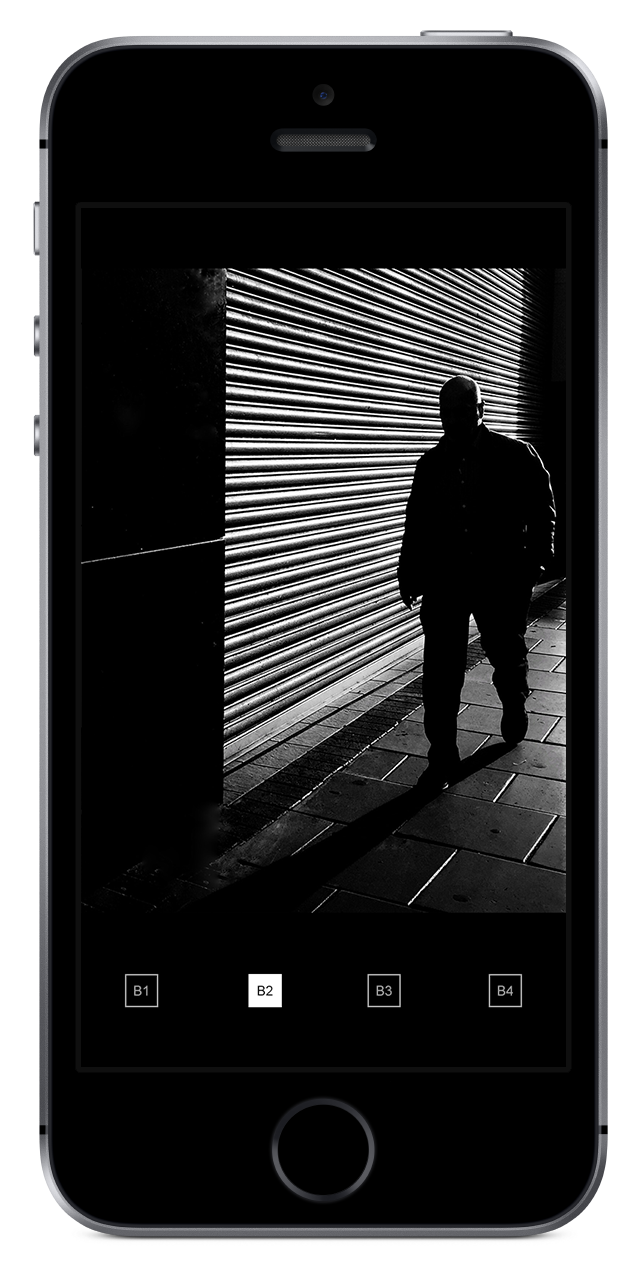
The Presets menu has 8 empty slots, which you can fill up with your custom presets.
Choose a slot in the Presets menu. You can start to custom your own preset, now. Just tap on the screen and play around with all Blackie's features.
You don't have to confirm anything. Everything is automatically saved to your chosen slot.
|
|
Save Preset.
If you find some set to your liking, just hold long Presets button. Then choose one of slots and it's saved as your preset.


|

|
|||||
|
Browse and Preview.
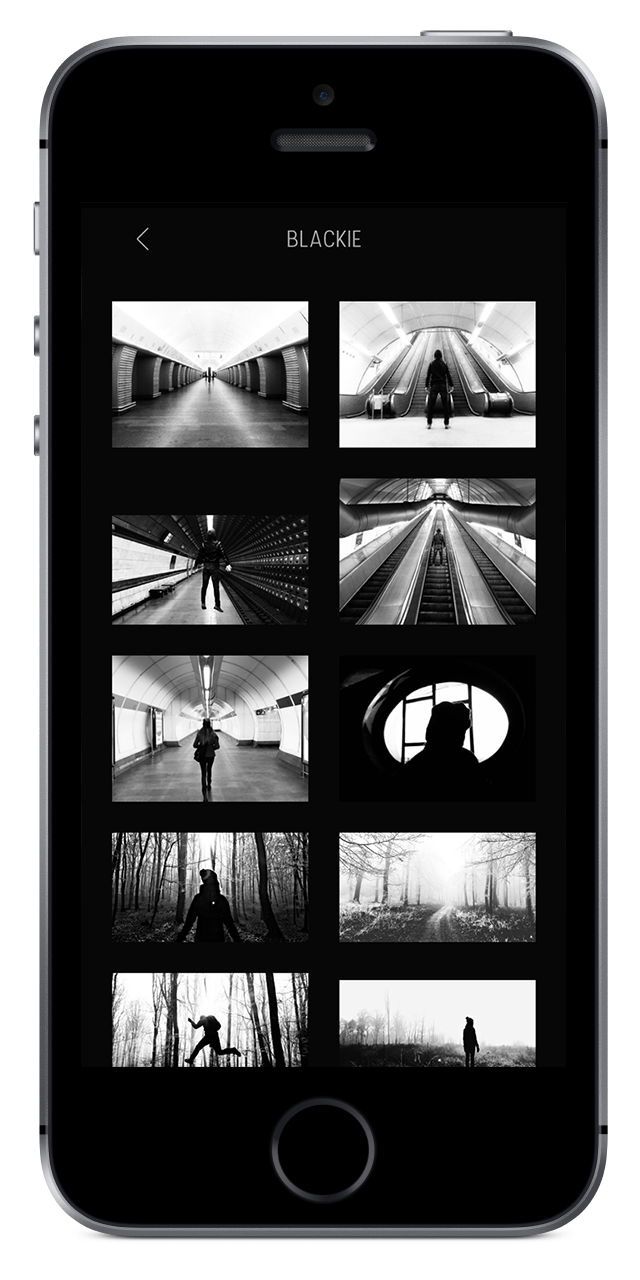
Easy and Simple way to import photos from albums. Long press will preview a photo in full resolution. Double tap will import a photo to the Blackie.
To start importing photos tap on the photos icon.

|

Maximum Quality.
Standard format is saved with no compression at the maximum JPEG quality.
|

Lossless Format.
Blackie supports the TIFF photo format to save your photos in this lossless standard.
|